
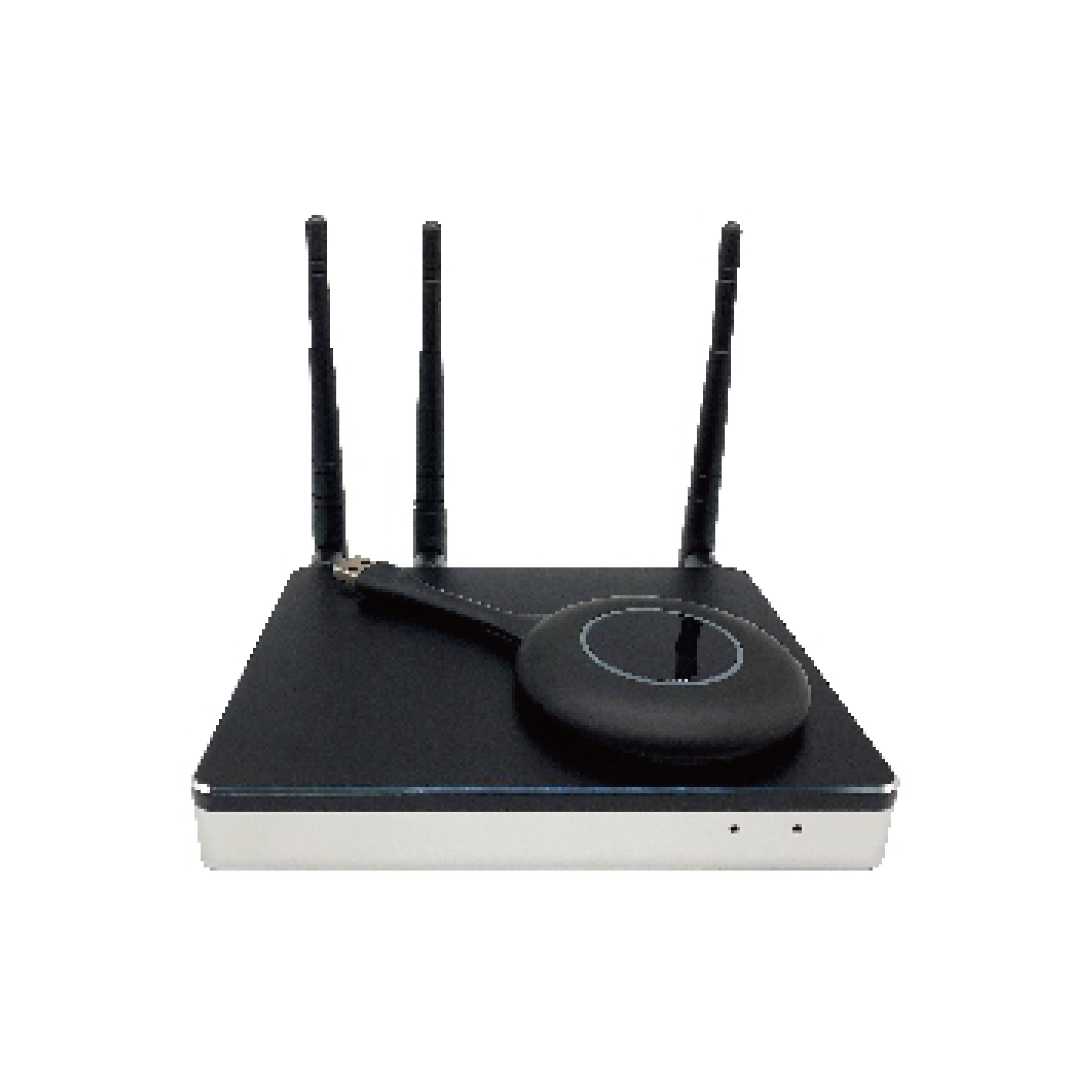
-
USB-based wireless screen transmission
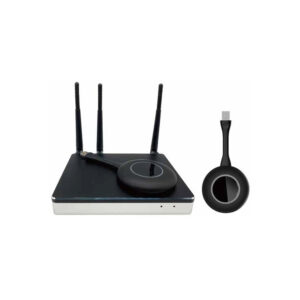
Supports Windows and macOS computers via USB connection, providing simultaneous power supply and data transmission. Enables one-click screen sharing with no software installation and supports touch-back control for the connected computer. -
Multi-platform screen mirroring
Stable, long-duration reception of mirrored video streams from Android, iOS, macOS, and Windows 7/8/10 systems. -
Reverse display & touch-back control
Supports reverse display of host content with touch control for Windows and macOS systems. -
Audio-supported Android screen mirroring
Android screen mirroring supports audio transmission during online video playback and enables bi-directional (reverse) mirroring. -
Host mode operation
Allows screen sharing control without occupying the computer’s Wi-Fi connection during use. -
Optimised mouse performance
Screen casting from Windows and macOS supports mouse acceleration and ultra-low mouse latency for smooth interaction. -
Integrated Bluetooth audio
Built-in Bluetooth module enables playback of online video or music from Android devices with synchronised audio output. Supports connection to external Bluetooth speakers for amplified sound. -
Dual Wi-Fi with network isolation
Supports dual Wi-Fi operation and internal/external network isolation to ensure data security and protect visitor information. -
Automatic system upgrades
The receiving unit supports automatic network-based firmware upgrades, including system programs and USB transmitter upgrade packages. -
Multiple projection modes
Includes preemptive mode, exclusive mode, dynamic projection code, and vertical screen projection options. -
Built-in annotation (remark) tools
Enables real-time on-screen annotations during screen sharing, with saving options to local storage, USB drive, or mobile phone via QR code. -
Administrator & client control software
Provides centralised control over screen sharing operations, including upper/lower screen management of projection terminals. -
Web-based device management
Supports batch configuration and deployment of online devices via a web management platform. -
Usage statistics & reporting
Records historical screencasting activity with support for usage analysis and reporting. -
Automatic fault alerts
Sends email notifications in the event of equipment or system failures. -
System reliability features
Includes automatic restart and a built-in real-time clock (RTC) to maintain accurate system time during power outages. -
Protocol compatibility
Fully compatible with Miracast and Intel WiDi standards. -
Mobile QR code projection
Supports QR-code-based screen projection from Android and iOS mobile devices. -
Cross-network screen casting
Enables screen projection across different network segments for Android phones, iPhones, macOS computers, and Windows PCs. -
Flexible projection code deployment
Supports 8-digit projection codes for server-free deployment and 6-digit projection codes for server-based deployment. -
Centralised remote management
Allows remote unified management, including device status monitoring, template distribution, and generation/export of device usage reports. -
Multi-source display capability
Supports screen projection from up to 8 transmitters simultaneously, with up to 4 split-screen displays. When more than four inputs are active, the system follows a first-in, first-out (FIFO) display logic.